
The Bristal Garden City

The Bristal is pleased to offer residents and their families online access to a portal which includes important community information, as well as the capability to pay your bill electronically. Our resident & family portal has many benefits, including:

  • Quick payments
  • Convenient links to the monthly newsletters & calendars
  • Anytime, anywhere access to your billing & payment history for registered users
  • Payment flexibility, with eChecks and Credit Cards accepted

To get started, simply click on your community below to be taken to the portal. Once there, you’ll see quick links on the left to access newsletters, read more information about online payments, or make a quick payment.

In order to access payment history, signing in is required. Primary contacts will be sent an invitation upon move in to create an account if they wish to.

Visit Your Community’s Family Portal or Make an Online Payment

Long Island, NY

Nassau County

Long Island, NY

Suffolk County

Westchester County, NY

Manhattan, NY

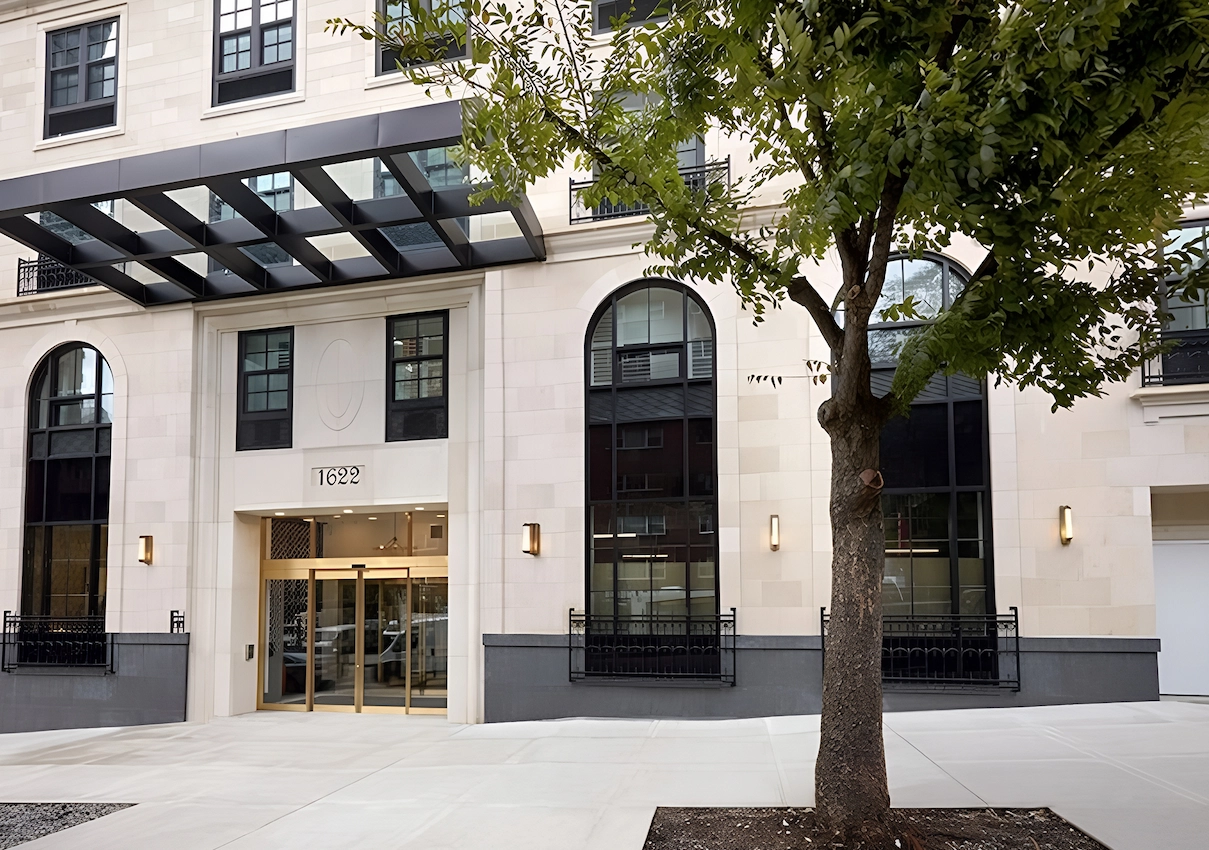
The Bristal at York Avenue – Front Entrance

York Avenue

FAQs

Can I pay by check or credit card?

Yes!  Either payment method can be accommodated.

Are there any fees for processing my payment online?

Pricing is straightforward and easy to understand. If you choose to pay via credit card, there is a processing fee of 2.99% which will display for your review before you click to process the payment. If you choose to pay via ACH, there is a flat fee of $2.00. All fees are assessed by credit card or ACH networks.

Where can I find my Resident Account Number?

Your resident account number can be found in parentheses to the right of the resident’s name at the top right corner of your monthly invoice.

What do I need to create my account on your portal?

Access is granted to residents and/or the primary contact at the time of move-in. If you have questions about obtaining access, please contact the Director of Administrative Services at your community for assistance.

Is there an auto pay feature?

Yes, you can opt for auto pay. This feature is available to residents or family members who have a username and password for the portal. Once logged in, simply choose “AutoPay” under the “Billing” menu on the left to get started.

Is my credit card or bank information stored on the portal?

You have an option to pay via quick pay where no credit card or banking information is stored on the portal. If you create an account, you will have access to your payment history and have the option to store your payment information for convenience.

Any stored information is done so by Carefeed, and every step of the payment process utilizes security protocols set by the major card brands. Such measures include:

– PCI Level 1 Certified processes
– Bank level encryption protocols and security
– Direct connections to the credit card and ACH networks
– Full tokenization of all payment data

Can I obtain receipts for payments made through the portal?

In addition to email notification of payments details, payment receipts and history is available 24/7 on the portal.

How long does it take transactions to process and have the funds withdrawn from my account?

The funds are typically withdrawn on the day your transaction is processed, but may take up to two days.